

Live streaming has quickly become one of the most sought after ways to connect, entertain, and share with a worldwide audience. From live stream gaming to engaging with your audience or producing creative shows, streaming lets you build live communities on sites like Twitch, YouTube, and Facebook Gaming.
But if you’re only just starting out, you may be wondering: “What is live streaming, how do I use it, and where do I begin?” Don’t worry — you’re not alone. Here in this ultimate beginner’s tutorial from GreatOverlays, we’ll give you the lowdown on everything you’ll want to know about live streaming, from the basics to the equipment and genres you can get involved in in 2025.
What Is Live Streaming?
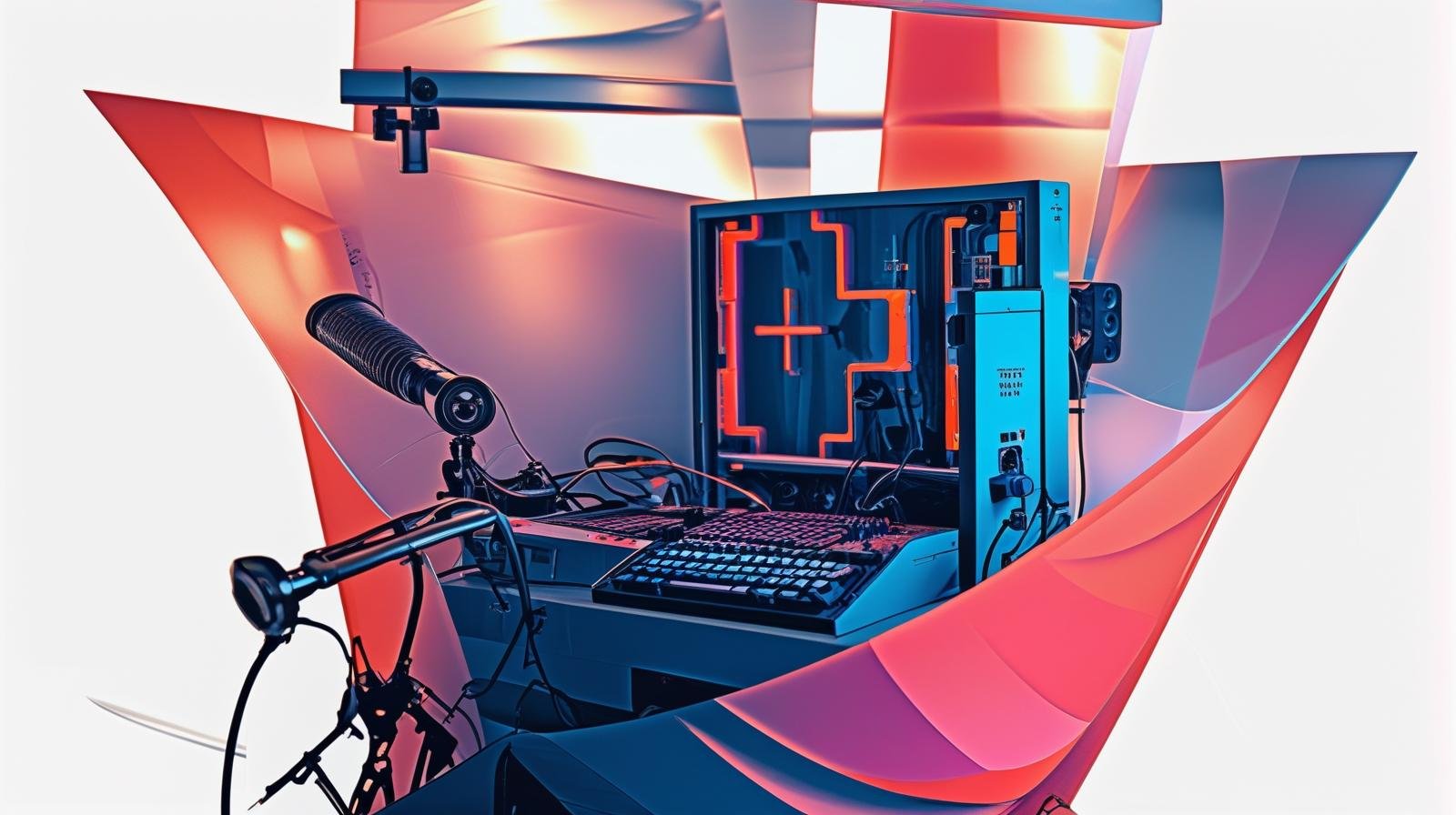
In plain language, live streaming means streaming video content on the web in real-time. Instead of recording a video and uploading it afterward, you stream it live so that your audience can watch, chat, and interact in real time.
Here at GreatOverlays, we work together with streamers from around the world to help them elevate the quality of their broadcast using animated overlays, alerts, webcam frames, and transitions — because presentation matters just as much as content.
How Live Streaming Works
Here’s a simple explanation of how live streaming works:
- Capture – Your camera, microphone, or screen captures video and audio.
- Encode – Applications such as OBS Studio or Streamlabs encode the footage.
- Broadcast – The application sends the stream to websites like Twitch, YouTube, or Kick.
- Engage – Audience members watch, chat, and participate in real time.
This setup can vary from a smartphone and an internet connection to a stand-alone gaming desktop with GreatOverlays overlays for company branding.
Types of Live Streaming Content
Not all streams are the same — and that’s what makes it beautiful. These are the most utilized categories:
- Gaming Live Streams – Twitch’s biggest category, with blockbusters like Fortnite, Valorant, and recent releases in 2025.
- Just Chatting Streams – Perfect for casual conversations and bonding.
- Creative Streams – Live art, design, or music sessions.
- Fitness & Lifestyle Streams – Workout routines, cooking, or vlog streams.
- Educational Streams – Tutorials, tech tutorials, and how-to tutorials.
Whichever you prefer, GreatOverlays stream packages can give your channel a sleek professional look.
Benefits of Live Streaming
Still not sure that streaming is the way to go? Here are some valuable advantages:
- Immediate engagement – Talk back to your viewers in real time.
- Fan development – Create loyal fans who connect with your personality.
- Creative freedom – Stream whatever you’re enthusiastic about, be it gaming, art, music, or something else.
- Monetization – Earn money from Twitch subs, YouTube memberships, donations, and sponsorships.
- Personal brand development – Use GreatOverlays stream templates so you can visually differentiate and develop your personal brand.
Best Games to Live Stream in 2025
The gamer-centricity of live streaming continues, with some games being more popular than others. Here are a few expected to be on top in 2025:
- Fortnite – Still gigantic for community and competitive play.
- Valorant – Tactical shooter with growing esports exposure.
- Minecraft – The boundless potential for creativity and viewer interest.
- Call of Duty: Modern Warfare III – Strong competitive and casual player base.
- Upcoming indie blockbusters – New titles that thrill eager viewers.
Pro Tip: Don’t merely copy trends; include games that you personally enjoy. Viewers react more to genuine, passionate streamers.
GreatOverlays Tips for Starting Your Streaming Adventure
✅ Begin with basics: webcam, mic, and OBS Studio.
✅ Add animated overlays, webcam frames, and notifications from GreatOverlays to project a professional look.
✅ Start on one platform (Twitch, YouTube, or Facebook) and expand later.
✅ Stick to a routine — streaming once a week is not enough to grow.
✅ Engage with viewers: read comments, react, and have your viewers engaged.
FAQ – Live Streaming Basics
Q1: Do I need expensive equipment to get started with live streaming?
No. You may start with a basic PC or even a phone. Upgrade equipment and add GreatOverlays stream packages to make your set-up look more professional when you grow.
Q2: What’s the most suitable platform for beginners?
Twitch is the most popular one, but YouTube and Facebook Gaming are good alternatives depending on your audience.
Q3: Can I stream different content categories?
Absolutely! Streamers usually switch between gaming, chat, and creative streams. That’s where customizable overlays from GreatOverlays make it simple to bind your brand together on all content categories.
Q4: How do I grow as a new streamer?
Consistency, interaction, and branding. Stick to a schedule, talk to your chat, and make your stream visually recognizable with good overlays.