

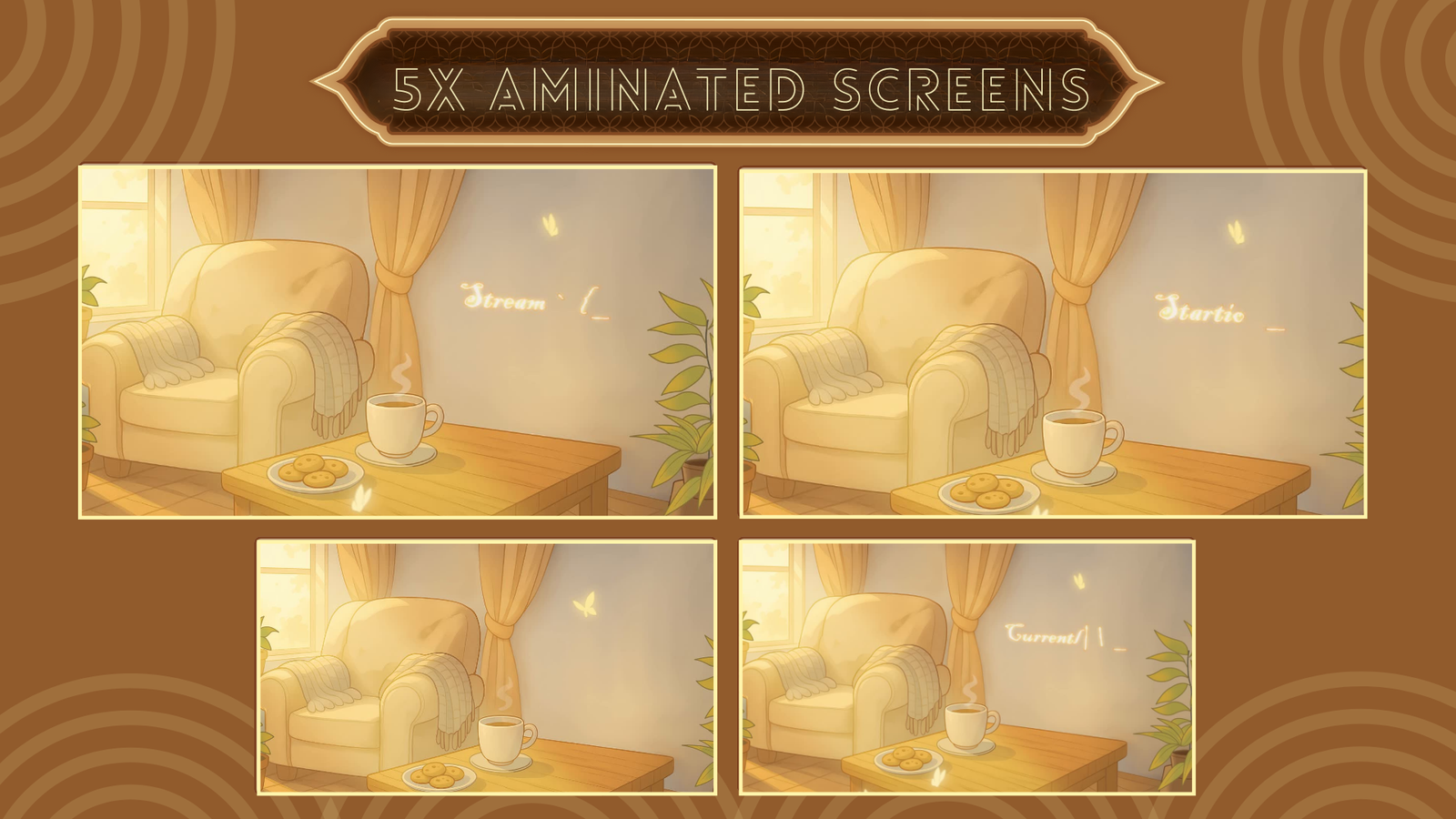
Streaming has emerged as one of the coolest ways of sharing material across the web. From gaming to speaking to people to displaying your artistic prowess, individuals are flocking to platforms like Twitch and YouTube Live in the spirit of creating communities. If you have been considering, “I want to start streaming, but I don’t even know where to begin,” then don’t be panicky.
But the truth is that it is not that you need to spend lots of money on an overpriced studio or thousands-of-dollars-worth of equipment to begin. What you really need is a rock-solid stream configuration, the right hardware-software solution, and creativity as an additional ingredient. From a console or streaming PC to software like OBS Studio, the below guide takes you through all that is required to stream live comfortably in 2025.
Streaming Fundamentals – Everything Begins Here
No matter if the streamer is large or small, they are going to require the following essentials:
- PC/laptop for streaming (or a game console that streams).
- USB microphone for streaming purposes or a decent gaming headset.
- Webcam or streaming cam to interact with your audience.
- Stable internet of at least 5 Mbps upload speed.
- Open broadcast software such as OBS Studio or Streamlabs OBS.
With just these basics, you can start pressing the “Go Live” button.
Hardware Installation – Where It All Began
Selecting the Right Device
If long-distance streaming is something that interests you, it’s worth paying for a PC or laptop dedicated to streaming. But if it’s trial and error for now, the PS5 or even the Xbox Series X can be sufficient for streaming live straight.
First is Audio
Ask any seasoned streamer: poor audio loses viewers quicker than poor visuals. It is easy to begin with a USB microphone, and it provides crisp audio. Someday, professional XLR microphones can be used, but for the start, it is enough to use a good USB microphone.
Don’t Ignore the Camera
Personalize your stream with a facecam or streaming webcam. Viewers react better when they can see your face. Any 1080p webcam is okay, and if you usually stream in the dark, look for a webcam that works in low light.
Comfort Matters
Streaming is far too often synonymous with hours of sitting. While a decent gaming chair and quality streaming desk are not absolute necessities, they will prevent back issues and give your station a professional look.
Software – The Tools of the Trade
Broadcasting Software
Two names rule the world of streaming:
- Great Overlays – lightweight, open-sourced, and absolutely free.
- Streamlabs OBS – easy for beginners with many built-in elements like overlays and alerts.
Both are perfect for beginners. If you like customizing every little detail, start with OBS. If you like plug-and-play, Streamlabs is your friend.
Branding Your Stream
This is where you do something memorable. Add personality with:
- Stream overlays for that professional look.
- Streaming notifications when viewers donate or follow.
- Twitch panels to arrange your channel information.
- Overlay bundles to give your stream a consistent style.
Think of this as the “makeup” of your stream. It’s what makes your channel recognizable.
Technical Side – Getting It Right
Internet Speed
At minimum, you’ll need 5 Mbps upload speed. But if you plan to stream at 1080p, it is better to use 10 Mbps or above to prevent lag and pixelation.
Video Quality
720p or 1080p is sufficient for beginners. Remember: a smooth stream at 720p is better than a stuttering 1080p.
Sound Quality
Even if you begin with a gaming headset microphone, upgrading to a dedicated USB microphone will immediately elevate your stream quality. Sound is what keeps viewers engaged.

Going Professional – Scaling Up in 2025
Once you’re comfortable with streaming basics, you can look into leveling up:
- Dual PC configurations (gaming PC and streaming PC).
- A DSLR camera for clear video.
- Studio lighting to enhance visuals.
- Extended overlays and branding for a professional finish.
You don’t need to do this at the beginning, but if streaming is going to be your long-term hobby or profession, these upgrades will give you the edge.
FAQs – Beginner’s Streaming Questions
Q1: Can I start streaming without a powerful PC?
Yes, you can. Consoles like PlayStation and Xbox support streaming directly. However, for professional quality, a dedicated streaming PC or laptop is recommended.
Q2: What internet speed do I need for smooth streaming?
At minimum, 5 Mbps upload speed works for 720p. But for 1080p or higher, aim for 10 Mbps or more.
Q3: Do I need expensive equipment to start?
Not at all. A USB microphone, a basic webcam, and free broadcasting software like Great Overlays are enough to begin. You can always upgrade later.
Q4: Which software is best for beginners?
Great Overlays is great for customization, while Streamlabs OBS is easier for beginners who want built-in overlays and alerts.
Q5: Can I use overlays and alerts on platforms other than Twitch?
Absolutely. Stream overlays and alerts can be used on YouTube Live, Facebook Gaming, or even Kick. Just adjust the canvas size to fit your platform.