

How Much Video Can You Watch with 1GB of Data?
Okay, let’s talk about how much video you can watch with 1GB of data. If you’re like many GreatOverlays customers, you’re probably trying to keep an eye on your data use, especially if you have a limited plan. It’s not a straightforward answer, but I’ll break it down simply.
The amount of video you can watch depends on a few things:
- The video quality
- How the streaming service compresses the video
- Whether you’re on your phone’s cellular data or using Wi-Fi
1. How Data is Used When You Stream

When you stream a video, your device is downloading that data. Video uses more data if it has:
- Better quality (like regular, high-definition, or ultra-high-definition)
- How well the streaming service reduces the file size
- The type of device and network you’re using
Keep in mind that the better the video quality, the quicker you’ll use up your data.
2. What You Can Watch with 1GB
Here’s a rough idea of how much you can stream with 1GB, based on video quality:
- Basic quality (240p–360p): Around 6–8 hours
- Standard quality (480p): About 3–4 hours
- High-definition (720p): Roughly 1–1.5 hours
- High-definition (1080p): About 30–45 minutes
At GreatOverlays, we usually advise sticking to standard quality or basic quality for our customers who are watching their data use.
3. How Video Quality Changes Things
The quality of the video has the largest impact on how much data you use:
- Watching videos in high-definition will use up your data fast
- Standard makes a good middle ground between good video and not using too much data
- Some services change video quality depending on your internet speed, so that the video doesn’t stop
If you want to stay within your data limits, you’ll have to pick the right video quality.
4. Cellular vs. Wi-Fi
You might use more data on your phone than on Wi-Fi because:
- Phone networks can change a lot
- Your phone might have to keep reloading the video
- Phone networks might handle video files differently
If you’re streaming on your phone, make sure that you change the video quality lower to save data.
5. How Streaming Services Differ
Different platforms use data in many ways:
- Some reduce video file size better
- Live videos might use a little more data
- Videos that start playing automatically when you’re browsing can also eat up data
A tip from us at GreatOverlays: turn off auto-play to help lower data usage.
6. Ideas to Save Data While You Stream
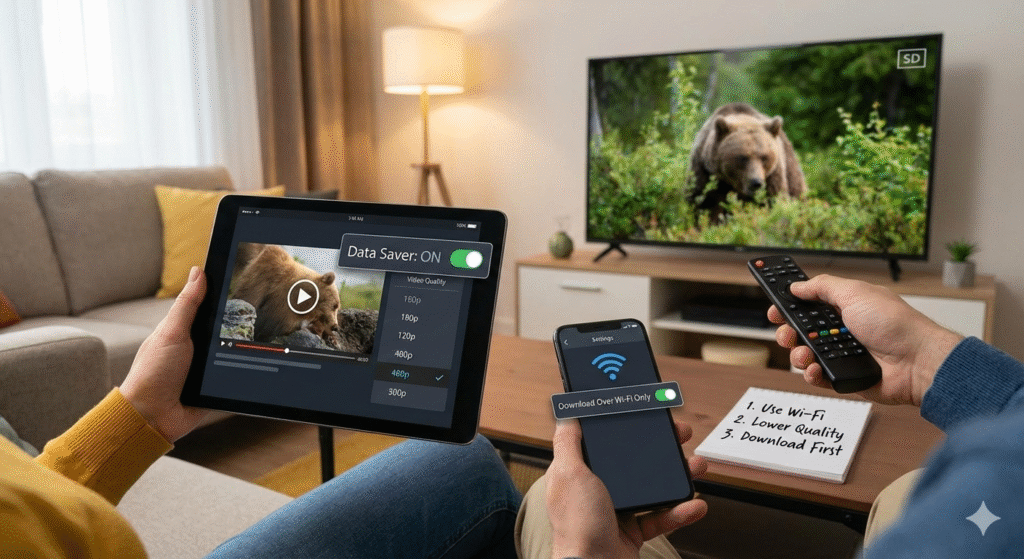
Here are some simple ways to get more viewing time out of 1GB:
- Set the video quality to standard or basic
- Download videos when you’re on Wi-Fi to watch later
- Don’t watch high-definition videos on your phone
- Check how much data you’re using regularly
Doing these things can really lower how much data you’re using when you stream videos.
Answers to Common Questions
Q: How long can I stream with 1GB?
A: Anywhere from 30 minutes (high-definition) to 8 hours (basic quality), depending on the video quality.
Q: Can I watch streaming videos in high-definition with 1GB?
A: Yes, but only for about an hour.
Q: Does setting videos to standard save data?
A: Yes, standard definitely uses less data than high-definition.
Q: Do live videos use more data?
A: Yes, live videos often use more because they are sent to you as they are being recorded.
Q: What else can I do to lower data use when I stream?
A: Set the video quality lower, turn off auto-play, and use Wi-Fi when you can.