

(So, Twitter (ugh, sorry, “X”—just rolls right off the tongue, doesn’t it?) has gone from your everyday social playground to a wannabe streaming hub. Now they’re all about creators “going live” like it’s 2016 Twitch all over again. If you want in on the action—be it streaming your dog’s birthday or pretending you know how to play Elden Ring—first, you need the Golden Ticket: your X stream key.
Here’s the skinny, minus the shiny PR spin.
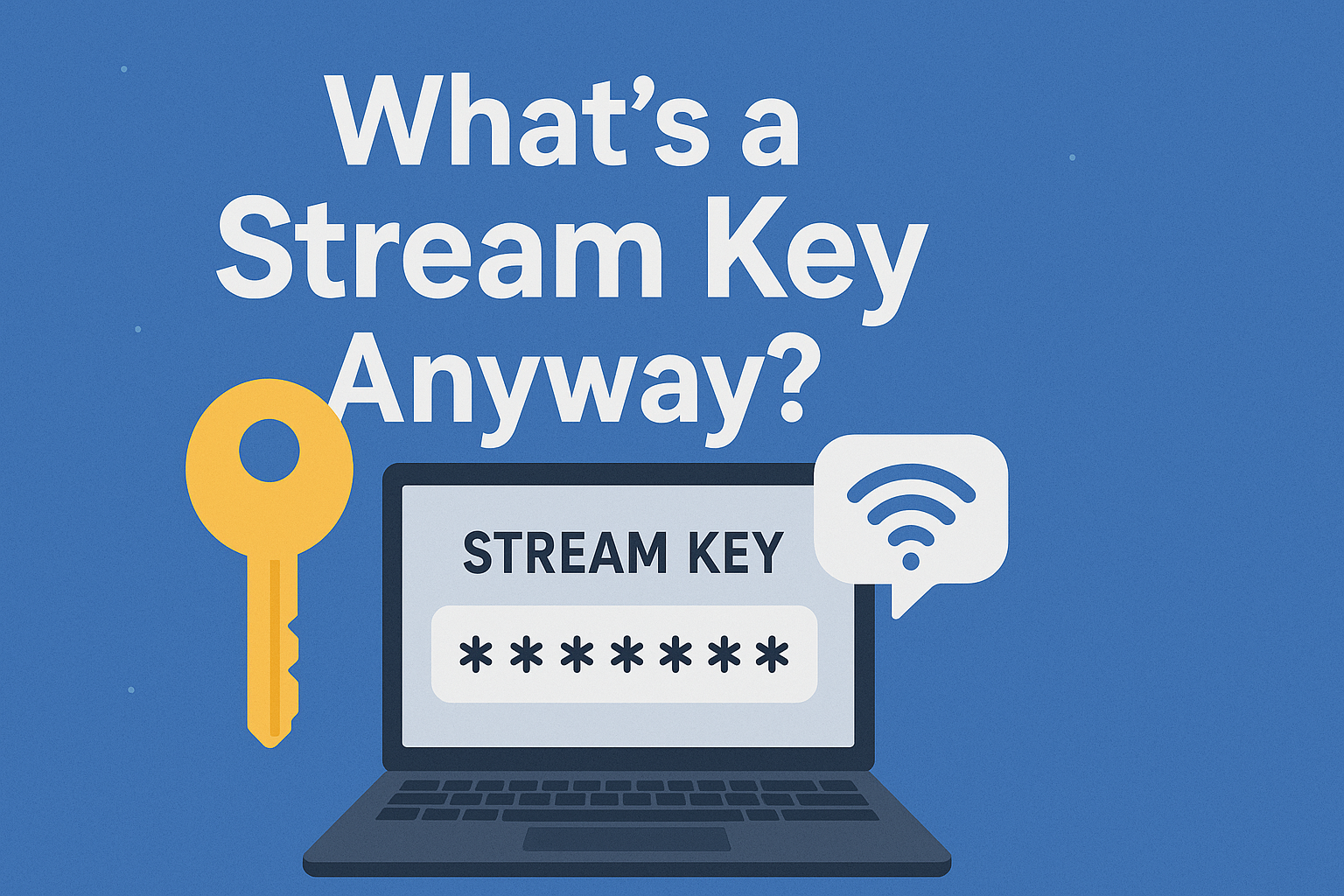
What’s a Stream Key Anyway?
You know how you need a password to get into your email? Stream keys are like that, but for streaming.
It’s this weird string of characters, and if you toss it into your OBS (or whatever streaming doohickey you’re using), boom—you’re live on X.
Don’t lose it. And don’t share it. Seriously, unless you want your account hijacked for some random Fortnite speedrun.
Getting Your Stream Key—What’s the Catch?
Brace yourself: Not everyone gets a key.
- If you’re in the “fancy club” (read: verified, pro, or willing to cough up $100/year for X Premium), fire up Media Studio Producer and you’re golden.
- For peasants—er, sorry, regular folks—there’s always Restream.io.
- Restream gives you a key so you can go live on X, but free accounts slap a watermark on your stream big enough to be seen from Mars.
- Wanna look pro? Gotta pay up. Welcome to capitalism.
Hunting Down Your Stream Key (Media Studio Route)
- Jump on Twitter’s Media Studio.
- Hit up “Producer” in the top bar.
- Click “Create Source.”
- Name it, pick RTMP Input, and ta-da—you get an RTMP URL and your very own Stream Key.
⚠️ Don’t wave that key around. I’m not kidding. It’s like waving your house keys at a burglar convention.

Plugging Your Key into OBS Studio
Once you’ve got your precious code, here’s how you do the deed:
- Pop open OBS.
- Go to Settings → Stream.
- Pick Twitter/X from the dropdown (if it’s not there, go rogue and use Custom RTMP).
- Drop in the RTMP URL and your Stream Key.
- Hit Apply. Hit OK.
- Smash “Start Streaming” and watch yourself go live, baby.
Final Word (before I get too carried away)
Honestly, firing up a stream on X is way less intimidating than it sounds. Key, OBS, half-decent Wi-Fi—that’s the gear. Whether you pay for Premium or half-bake it with Restream, you’ll be beaming your hot takes to your followers before you can say “algorithm.”
Fast’n’Loose FAQ
Q: Can I stream without Media Studio?
A: Yup, just use Restream or anything similar. Not ideal, but it works.
Q: OBS Studio—got pay for it?
A: Nope! Free as the wind—and just as wonky sometimes.
Q: Multistreaming—yay or nay?
A: Heck yeah. Restream, Streamlabs Prime, all that jazz. Go wild, multistream to X, Twitch, your cousin’s smart fridge, whatever.
Q: What if someone steals my key?
A: Oof. Just… don’t let it happen. Treat that key like your bank PIN, or you’ll wake up to someone streaming sock puppet improv on your “brand.”